Quick Answer
Fliku connects buyers and sellers across Kingston and Canada. This is the complete guide to safe transactions — verifying buyers, safe meetup spots, and avoiding the scams that target local marketplace users.
How to Buy and Sell Safely on Fliku — Complete Safety Guide
The overwhelming majority of transactions on Fliku — as on every local marketplace — happen without any problem. You meet someone, the item matches the listing, money changes hands, you both leave happy. This guide is not about the majority; it's about the small percentage of situations where something goes wrong, how to recognise them before they happen, and the specific steps that protect you every time.
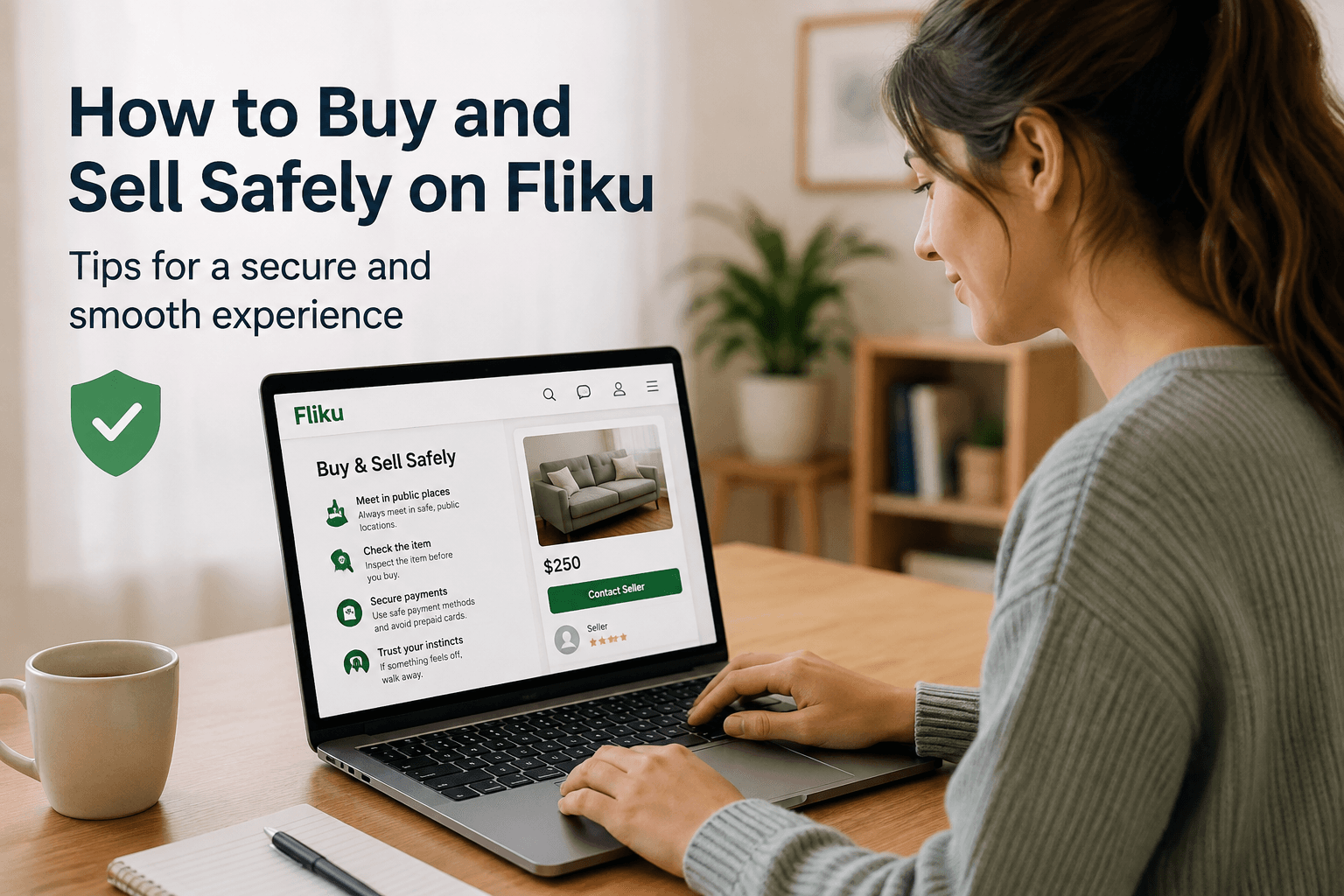
Local marketplace safety isn't complicated. The same few principles prevent nearly every problem: meet in public, verify before paying, trust your read of the situation. The details below fill in the specifics.
Safety Guide for Buyers on Fliku
Check the listing for completeness before messaging. A legitimate seller can describe their item specifically — model, condition, age, any flaws. A vague listing ("iPhone, good condition, $300") from an account with no history is worth approaching cautiously. Send a message asking for more details and assess whether the response is specific and credible.
Ask for additional photos if needed. Sellers with a real item will send additional photos on request. Reluctance to provide specific additional photos — "can you show me the back?" or "can you show the screen turned on?" — is a yellow flag. Scammers often use stolen listing photos and can't photograph the actual item.
Test electronics fully before paying. For phones: test calls, camera, speakers, all ports. Ask for the IMEI number and check it at imei.info to confirm the phone isn't reported stolen. For laptops: check battery health, test every port, run a speed test. For appliances: plug in and run before paying. Any legitimate seller will allow this. A seller who won't allow testing is either hiding a problem or not in possession of the actual item.
Never pay before seeing the item. Advance payment for an item being shipped locally — "I'll bring it to you but I need the payment first" — is a scam. Pay in person when you see the item. No exceptions for local transactions.
Safety Guide for Sellers on Fliku
Verify e-Transfer payments before releasing the item. An e-Transfer is only confirmed when you receive the notification from your bank. Ask the buyer to show you the confirmation on their phone, then verify it independently in your own banking app before handing over the item. Scammers send fake e-Transfer screenshots — your banking notification is the only reliable confirmation.
Be cautious of buyers who want to ship or use a third party. For local transactions, shipping and third-party payment processors are unnecessary. Buyers who insist on paying through PayPal Friends and Family, cash app, or who want you to ship to an address rather than meet locally are almost always running a scam.
Don't share personal information beyond what's needed. Buyers need your general area for pickup, not your full address until you've confirmed the transaction is happening. Your phone number is typically exchanged after initial Fliku messaging — share it when you're ready to confirm logistics, not as a first response to every message.
Trust your read of the situation. If a buyer makes you uncomfortable — asks unusual questions, creates pressure to finalize quickly, offers more than asking price without any negotiation — these are signals worth heeding. You can decline a transaction at any point without explanation.
Safe Payment Methods for Local Marketplace Transactions
Cash — The simplest and safest method for sellers. No chargeback risk, no fake transfer screenshots, immediate. The downside for buyers is carrying cash; the upside is zero risk of payment fraud. For transactions over $200, bringing exact change or smaller bills eliminates the "I don't have change" awkward moment.
Interac e-Transfer — Standard for most Canadian local marketplace transactions. Instantaneous when auto-deposit is enabled on the recipient's account. The risk for sellers: fake e-Transfer screenshots. Verify in your own banking app — not by looking at the buyer's phone — before releasing the item.
What to avoid: PayPal Friends and Family (no buyer protection, preferred by scammers for this reason), cash app (Venmo, Cash App — not widely used in Canada and no protection), crypto (irreversible, used in scams), wire transfer (used in high-value scams). For local marketplace transactions under $1,000, cash or e-Transfer is almost always the right choice.
Choosing a Safe Meetup Location
The safest meetup locations for marketplace transactions are public, well-lit, and occupied. In Kingston specifically:
- Police station parking lot — Kingston Police headquarters on O'Kill Street. The designated "Safe Exchange Zone" — explicitly designed for online marketplace transactions. The presence of police cameras and police deters any bad-faith participant immediately.
- Tim Hortons and Starbucks locations — Busy, well-lit, public, open long hours. The Princess Street Tim Hortons is a consistent Kingston marketplace meetup point for good reason.
- Grocery store parking lots — No Frills and Metro parking lots on Princess Street are used regularly for Kingston marketplace meetups. Busy during daytime, security cameras, public.
- Bank lobbies or ATM vestibules — Well-lit, cameras, and convenient if the buyer is withdrawing cash to pay you.
For large furniture items that can't be transported to a neutral location — sofas, appliances, bed frames — home pickup is standard. Have someone present with you. Arrange it during daylight hours. Keep the transaction brief and straightforward.
Common Marketplace Scams and How to Identify Them
The fake e-Transfer: Buyer sends a screenshot showing an e-Transfer sent. The screenshot is fabricated. Always verify in your own banking app — an e-Transfer you've actually received shows in your account, not just in someone's screenshot.
The overpayment scam: Buyer "accidentally" sends more than the agreed price and asks you to refund the difference. The original payment then bounces or is reversed, leaving you out the "refund" you sent. Never send money back to a buyer — ask them to cancel the transfer and resend the correct amount.
The "I'll send a friend to pick it up" scam: Buyer agrees to buy, then says they'll send someone else with payment. The person arrives, may show a fake payment confirmation, and takes the item. For anything over $50, only release items to the person you've been communicating with, with confirmed payment in hand.
Stolen goods listings: An item priced significantly below market — a $900 iPhone for $250, a $1,500 bike for $400 — may be stolen. Buying stolen goods is a criminal offence regardless of whether you knew. Ask for proof of purchase for high-value items if the price seems implausibly low.
Frequently Asked Questions
Is Fliku safe to use for buying and selling?
Yes — the vast majority of Fliku transactions complete without incident. Fliku connects local buyers and sellers in Kingston and across Canada, and the in-person nature of local transactions — you see the item, you pay for the item, you take the item — eliminates most of the risk associated with online marketplaces where payment is made before goods are received. Follow the basic principles: meet in public, test before paying, verify payment before releasing, and trust your read of any situation that feels off. These steps prevent nearly every problem that local marketplace users encounter.
What is the safest payment method for Fliku transactions?
Cash is the safest payment method for sellers — no fake screenshots, no chargeback, immediate. Interac e-Transfer is safe when verified correctly: confirm the payment in your own banking app, not by looking at the buyer's phone screen. The risk is fake e-Transfer screenshots, which are common enough to warrant the extra 30 seconds of verification. Avoid PayPal Friends and Family, crypto, and cash apps for local transactions — these are the payment methods that scammers specifically request because they offer no protection to sellers.
What should I do if I think I'm being scammed on Fliku?
Stop the transaction. You are never obligated to complete a sale. If something about a buyer or seller makes you uncomfortable — unusual payment requests, pressure to finalize quickly, price that's implausibly low, reluctance to test the item — decline the transaction politely and move on. Report suspicious listings directly through Fliku so the team can investigate. If you've been defrauded, file a report with Kingston Police (for local transactions in Kingston) and report to the Canadian Anti-Fraud Centre at antifraudcentre.ca — this creates a record that helps patterns be identified and prevents the same fraudster from affecting other users.
Safe transactions on Fliku come down to the same principles that apply to any local marketplace: public meetups, verification before payment, and trusting your read of the situation. Browse listings on Fliku or post your item for sale — Kingston's local marketplace is active and the community generally transacts in good faith.